Give AI agents a real Ignition Vision workflow.
This single customer download contains both coordinated skills: the Vision project-resource lifecycle on the Gateway and the built-in Jython behavior that runs inside a native Vision client. It replaces guesswork with structural inspection, dependency checks, runtime probes, screenshots, logs, and explicit validation.
Why it was made
- Vision resources are serialized differently from Perspective views and need their own inspection and validation rules.
- Separates Gateway-scope work from code that must execute in a running Vision client.
- Requires native screenshots, component text-fit, focused logs, and state restoration before runtime behavior is called proven.
Common use cases
- Inspect or troubleshoot existing Vision windows, bindings, events, and dependencies.
- Build and validate native Vision charts, tables, gauges, templates, and process screens.
- Prove client-only behavior with controlled fixed bridges and native runtime evidence.
- Review Vision Jython for Jython 2.7.3 syntax, execution scope, and serialized event behavior.
Proof style
Validate the artifact, not the promise.
The skill does not treat a successful import or parsed window as runtime proof. Native client behavior needs fresh screenshot, text-fit, focused log, dependency, and restoration evidence on the target Gateway.
Approved native-client demos
Vision evidence you can see.
These are approved screenshots from live Vision validation, not generic mockups. Each demo is shown only within the capability boundary it actually proved.
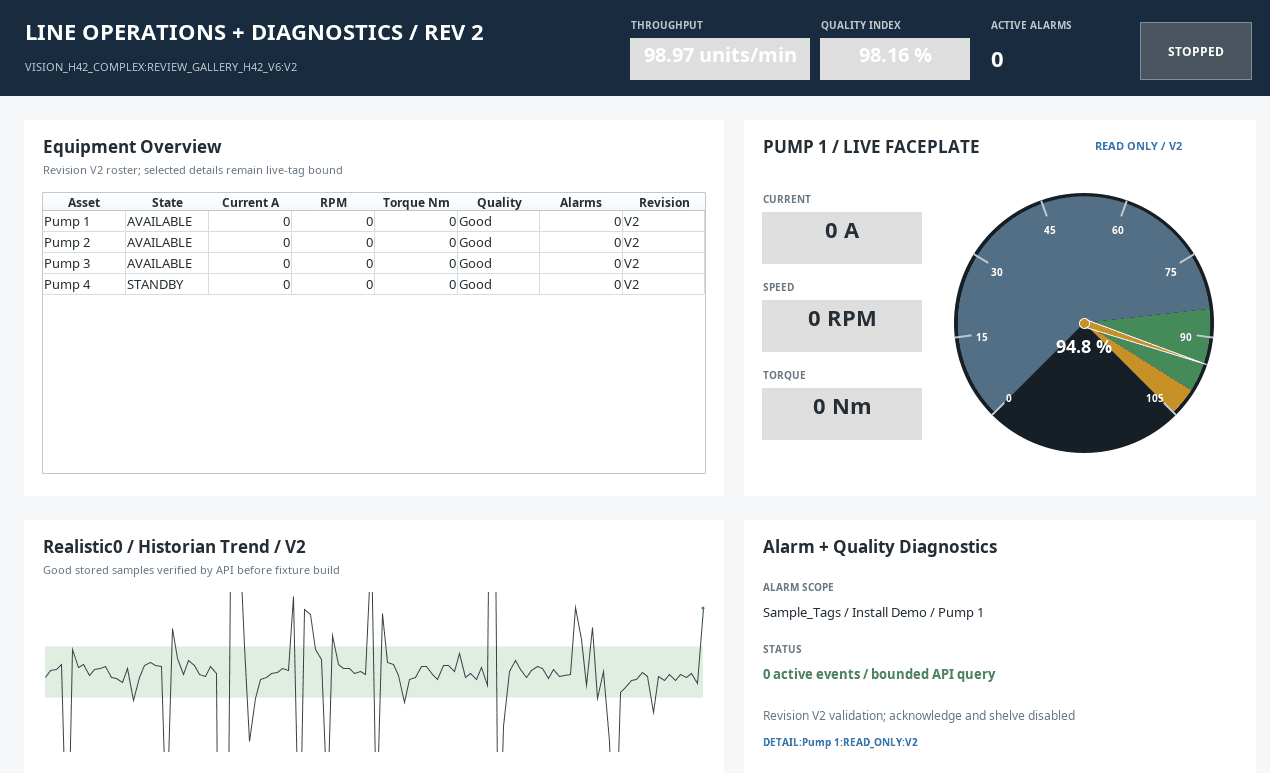
Line operations
A native Vision operations layout used to validate hierarchy, component geometry, and live client presentation.
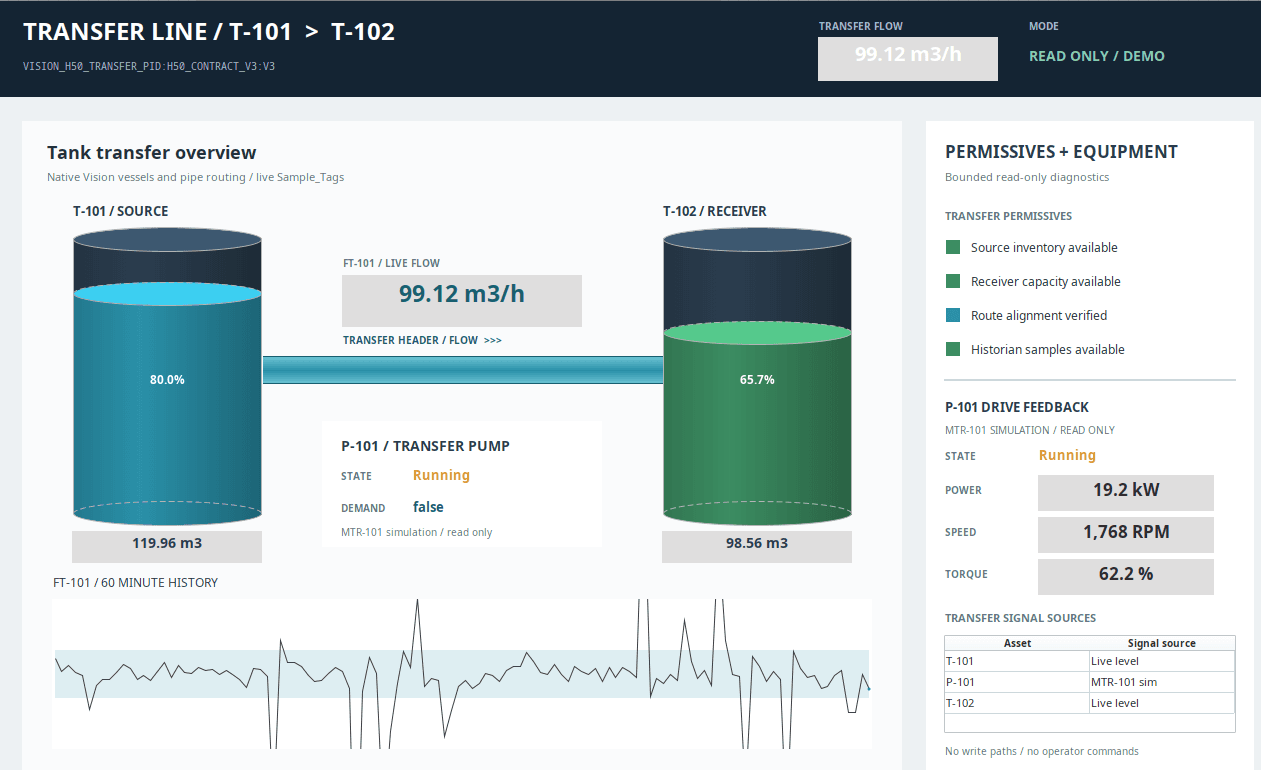
Transfer line P&ID
A native process screen proving coordinated resource, dependency, screenshot, and runtime validation.
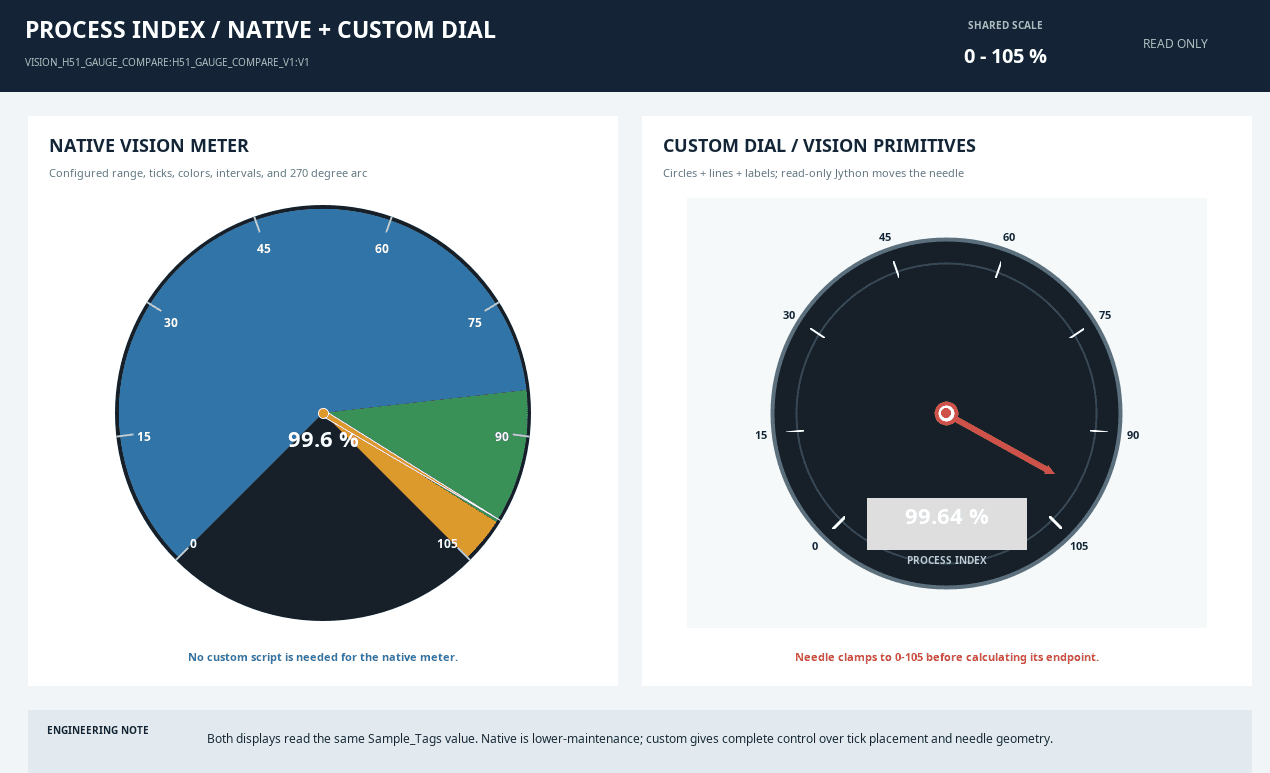
Native custom gauges
Custom Vision components checked for serialized structure, layout, text fit, and client rendering.
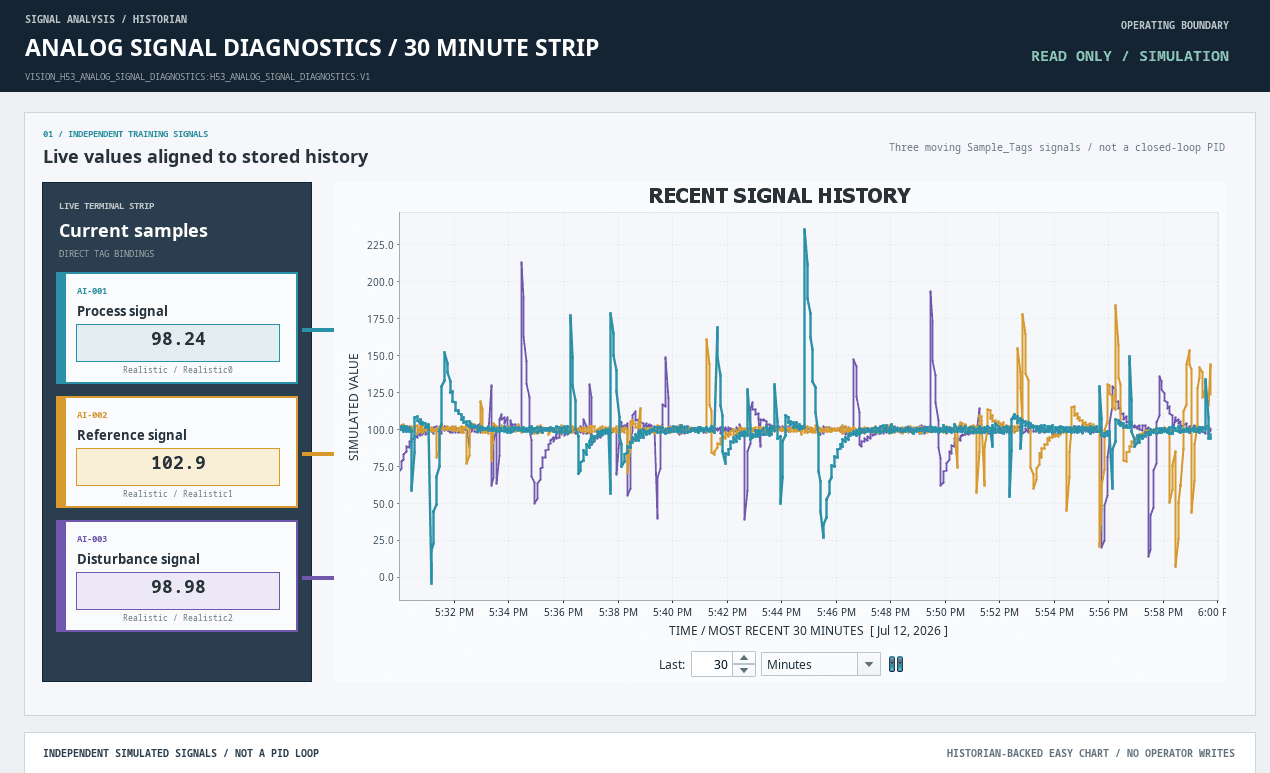
Easy Chart diagnostics
Typed chart data and native runtime evidence used to validate chart configuration and presentation.
Example prompt
Inspect the approved development Gateway's Vision project, summarize the target window's structure and dependencies, then validate its native client behavior with a screenshot, text-fit check, and focused logs. Report what is proven, what changed, and what still needs human review.This is the kind of focused instruction the skill is designed to make useful. The value is in the checks and Ignition-specific defaults the AI uses after reading the skill.
Expected output
- Reports the exact Vision resource, component hierarchy, bindings, scripts, dependencies, and startup state.
- Distinguishes static project evidence from behavior proven in a running native client.
- Returns native screenshot, text-fit, log, and state-restoration evidence with bounded claims.
- Keeps Gateway and client Jython responsibilities explicit throughout the workflow.
Related workflows
Skills that pair with this one
Ignition Jython script builder
Ignition 8.1Jython Script Builder
Keep AI scripts inside Ignition's Jython reality.
Ignition log diagnostics helper
Ignition 8.1Ignition Log Diagnostics
Turn noisy Gateway evidence into next steps.
Ignition HMI SCADA styling
Ignition 8.1HMI/SCADA Styling
Make generated screens readable for operators.
Lifetime membership
Want access to this skill?
The one-time membership unlocks this skill, the full Ignition AI Toolkit, the Web Dev runner materials, setup docs, and versioned Ignition 8.1 and 8.3 downloads.
No subscription. Lifetime members keep portal access to the current toolkit and future skill releases, including planned Ignition 8.3-focused skills as they are added.