Make operator screens calm until something needs action.
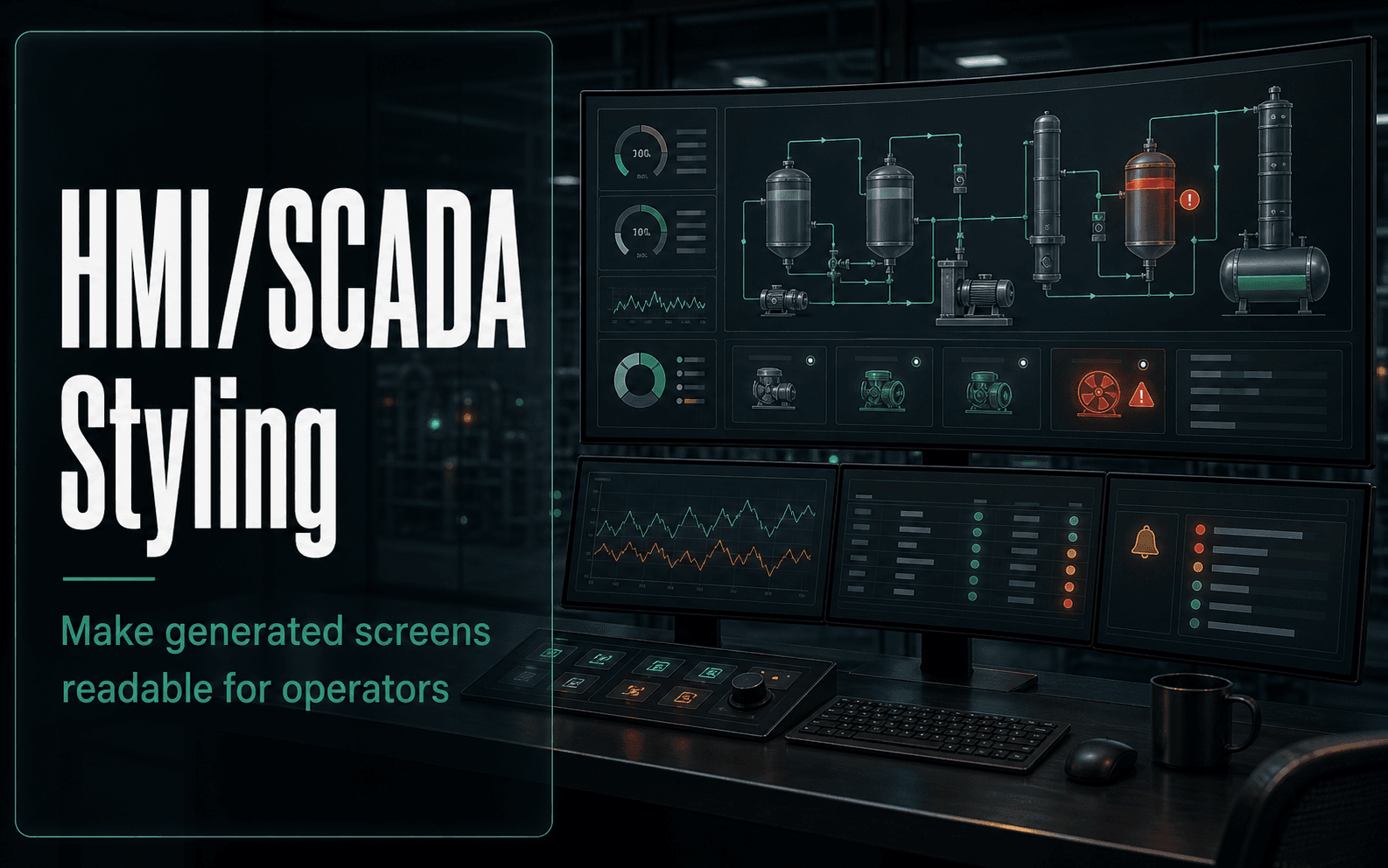
This skill is for the moment after the function is known and the page needs to look like an operator can actually use it. It turns generic AI UI into a disciplined HMI/SCADA screen: calm normal state, clear abnormal state, readable hierarchy, and controls that do not look like indicators.
Why it was made
- Keeps normal operation visually calm and reserves strong color for abnormal states or required action.
- Separates controls from indicators so operators know what can change the process.
- Uses labels, shapes, icons, and layout in addition to color so the screen is not color-only communication.
- Adds units, quality, timestamps, ranges, targets, and hierarchy where they matter.
Common use cases
- Pump, valve, tank, line, and cell overview screens.
- MES, OEE, downtime, quality, and maintenance dashboards.
- Alarm-heavy pages and operator command panels.
- Reviewing AI-generated UI that looks like generic web software.
Proof style
Validate the artifact, not the promise.
The skill reviews whether the screen makes abnormal conditions easier to see without making normal operation visually noisy or relying on color alone.
Evidence
Industrial styling guide basis
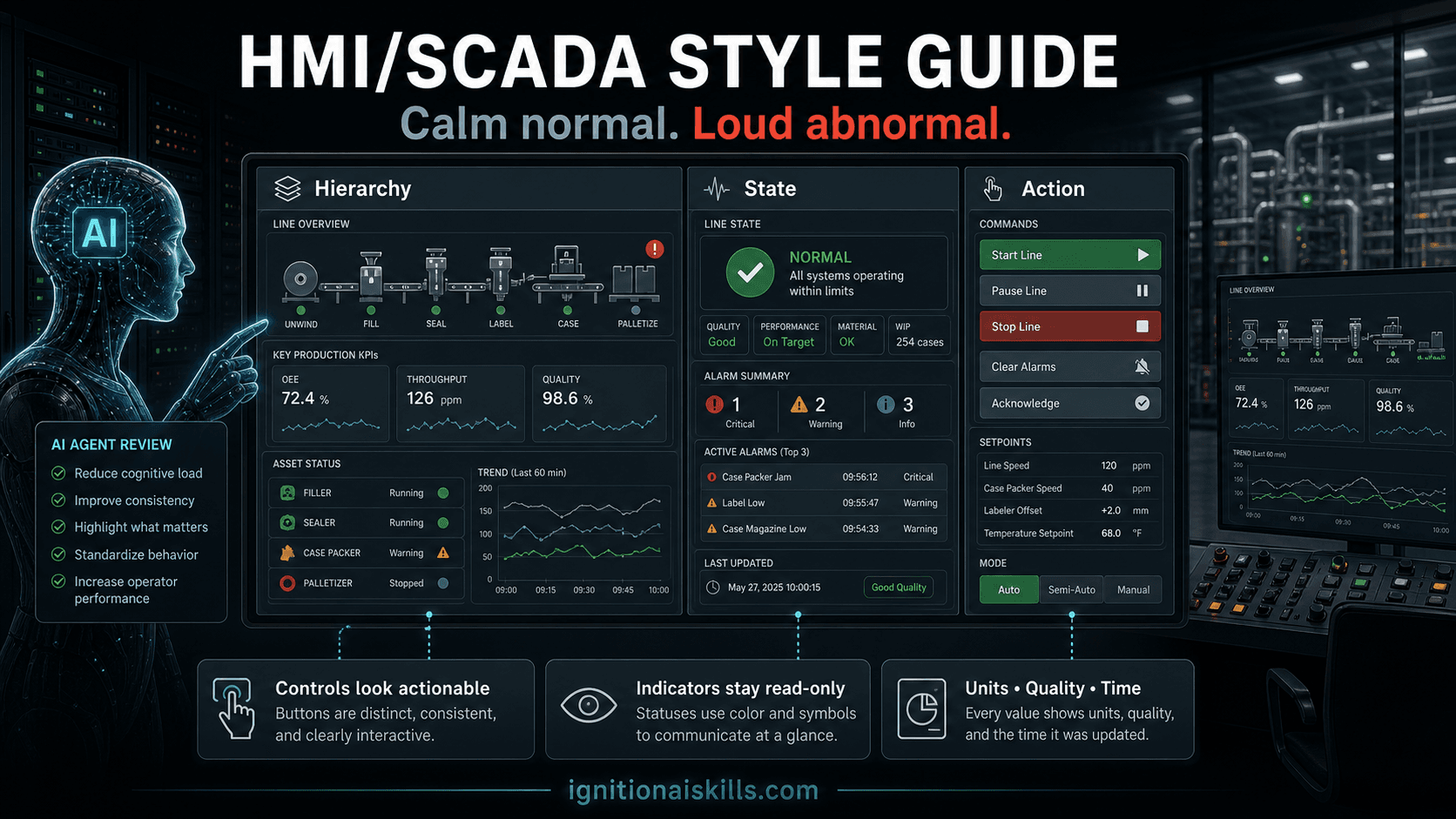
The graphic is AI-generated for the site. The checks below come from the shipped HMI/SCADA styling guide and its source basis: IIOT University UI/UX notes, high-performance HMI principles, ISA-101-style heuristics, and the product boundary that this skill reviews styling without modifying a running Gateway.
- The skill scope is limited to visual hierarchy, component appearance, state presentation, and screen-level composition; it is not the Perspective JSON, deployment, SQL, Jython, UDT, or alarm-rationalization workflow.
- The guide prioritizes current state, abnormal condition, needed action, useful context, and next navigation before decorative graphics or oversized KPIs.
- Core rules keep normal operation muted while reserving strong color, motion, and contrast for abnormal state, action, bad quality, stale data, or selection.
- The review checklist covers semantic color, typography, density, controls vs indicators, alarms, tables, trends, navigation, iconography, data quality, and supported screen sizes.
- Implementation still belongs in the paired Perspective, host-runner, UDT, SQL, Jython, or expression skill when the styled design must become a real resource.
Example prompt
Restyle this pump overview for high-performance HMI with clear abnormal-state handling.This is the kind of focused instruction the skill is designed to make useful. The value is in the checks and Ignition-specific defaults the AI uses after reading the skill.
Expected output
- Defines calm normal-state colors and reserved alarm/action colors.
- Separates read-only status from operator controls.
- Adds layout hierarchy, units, timestamps, quality indicators, and trend/table treatment.
Related workflows
Skills that pair with this one
Ignition Perspective import zip builder
Ignition 8.1Perspective Import Zip Builder
Create reviewable Ignition 8.1 Perspective packages.
Ignition Web Dev API builder
Ignition 8.1Web Dev API Builder
Let the AI inspect, apply, and validate on a Gateway.
Ignition UDT builder
Ignition 8.1Ignition UDT Builder
Model equipment once, then scale the screens.
Lifetime membership
Want access to this skill?
The one-time membership unlocks this skill, the full Ignition AI Toolkit, the Web Dev runner materials, setup docs, and versioned Ignition 8.1 and 8.3 downloads.
No subscription. Lifetime members keep portal access to the current toolkit and future skill releases, including planned Ignition 8.3-focused skills as they are added.