Four Ways Plant Engineers Can Turn 1,000-Page Manuals Into Verified Setup Guides With AI Agents
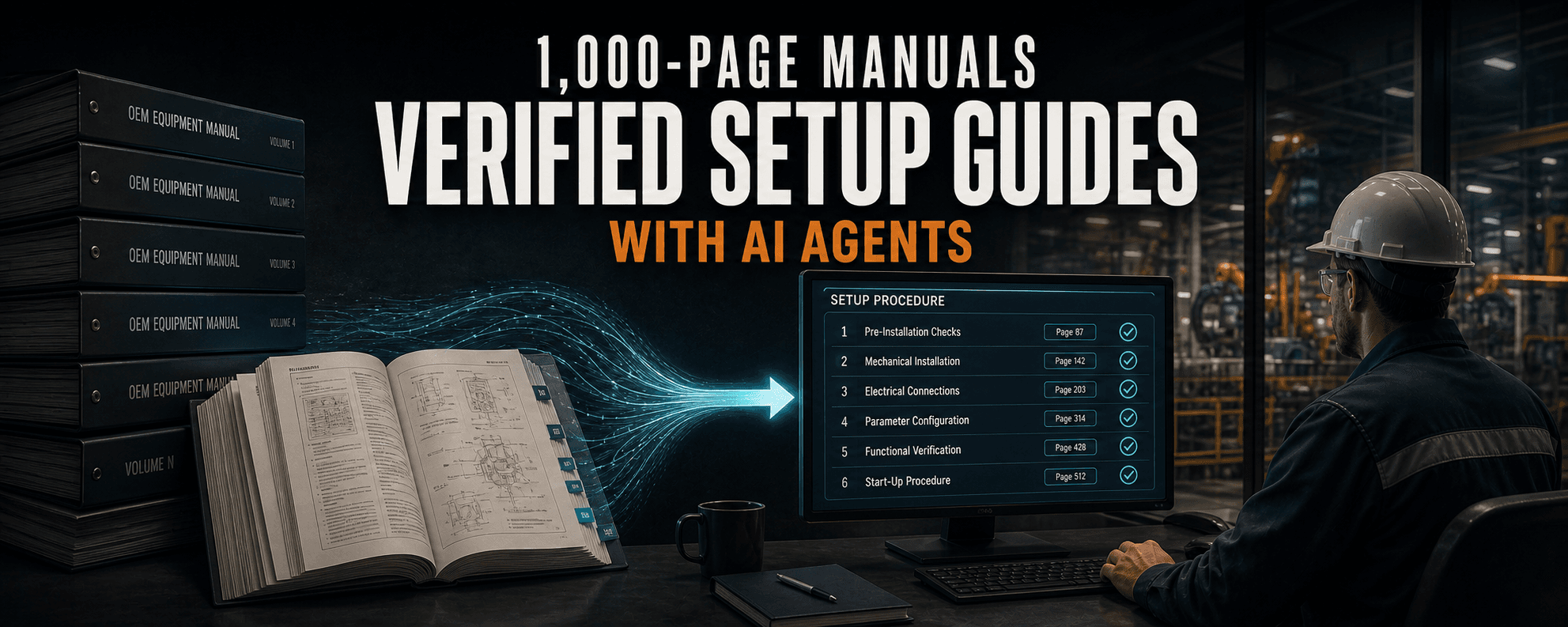
With the exact model and OEM manual, an AI agent can find page-cited steps for sensor setup, PNP or NPN wiring, software settings, and tag integration without asking you to trust model memory.
Key takeaways
- The exact model, suffix, firmware, connector, and manual revision matter more than a clever prompt.
- Require retrieval evidence before explanation, including the relevant page, section, table, or figure.
- AI can accelerate tag-integration research, setting changes, sensor commissioning, and model-specific wiring checks.
- Treat the generated guide as a temporary work aid until a qualified person checks it against the source and the plant's approved procedures.
- A ten-question pilot measures verified-answer speed and citation accuracy without buying a document platform first.
Related product pages
The manual is the source, not the model
Controls and process automation engineers live in a world of specialized equipment. One morning it is a photoelectric sensor. That afternoon it is an OPC UA setting, a drive parameter, or an instrument nobody has touched since the line was commissioned.
The answer is often in a manual. The problem is that the manual may be 1,000 pages long, poorly indexed, written for several product variants, or available only after signing into an OEM account.
This is where an AI assistant can be genuinely useful. Do not ask it to remember the answer. Give it the source and ask it to turn one specific task into a page-cited setup guide you can check against the original.
Start with the exact artifact
The quality of this workflow depends more on the document than on the prompt.
Do not upload a manual for a similar model and hope the details carry over. A different suffix can change the output type, connector, voltage range, menu structure, or supported feature.
Also check your company's data policy and the document license before uploading anything to an external AI service. A free download is not automatically permission to redistribute it.
- The complete model number, including suffixes
- The firmware or software version
- The manual revision and publication date
- The connector or cable variant
- The task you are trying to complete
- Any plant drawing, input-card specification, or approved procedure that constrains the answer
Ask for retrieval before explanation
The first request should make the AI prove that it found the relevant material. This prompt bounds the source, makes the answer inspectable, and gives the AI permission to say it did not find the answer.
"Not found in this manual" is better than a confident guess.
Use only the attached [manual title, document number, and revision] for [exact model and suffix]. Find the information needed to [specific task]. Before explaining the procedure, list the page, section, table, and figure references you will rely on. Separate what the manual states from your interpretation. If the answer is not in this manual, say "Not found in this manual." Do not fill gaps from memory.Four jobs this handles well
The workflow works best when the request is narrow, the source is authoritative, and the output has a result you can inspect.
1. Make tags available to another system
Suppose a third-party OPC UA client needs to browse tags in Ignition 8.3. Instead of asking how to expose tags from memory, attach or link the current Ignition 8.3 OPC UA server manual and ask for the exact setting, surrounding permissions, prerequisites, verification, and rollback.
The current manual explains the Expose Tag Providers setting and the related browse, read, write, and call permissions. That context matters. Finding the toggle without reviewing access control can solve the lookup problem and create a security problem.
2. Change one unfamiliar setting
Give the AI the exact software version and ask for more than the menu path. Then compare each step with the cited page. The AI's rewrite is a temporary work aid, not a controlled procedure.
- Where the setting lives
- Required privileges and prerequisites
- Default value and allowed range
- Whether a restart or download is required
- Side effects and dependent settings
- How to read the value back after the change
- How to restore the original value
3. Set up a new sensor
Provide the full sensor model and manual. Ask for a commissioning checklist covering power, output type, teach procedure, light-on or dark-on behavior, default state, indicators, mounting constraints, and a simple bench test.
If the PDF is scanned or the procedure depends on a diagram, attach a screenshot of the relevant page too. Text extraction can scramble columns, lose callouts, or separate a figure from its note.
4. Check PNP, NPN, pins, and wire colors
This is where model-specific retrieval is safer than a generic answer. Ask the AI for a table, then open the wiring diagram and compare it line by line.
Brown, blue, black, and white are common industrial sensor colors, but their functions are not universal across every device and cable. The Banner VS8 product manual, for example, defines those functions for its specific three-pin and four-pin models. That diagram is evidence for those models, not permission to wire a different sensor from memory.
Follow the plant's electrical safety process. De-energize and verify as required, check the approved drawing and input-card specification, and do not energize a circuit from an AI-generated table alone.
- Connector pin
- Conductor color
- Function
- PNP or NPN behavior
- Required PLC input type
- Load connection
- Manual page and figure
Make the answer earn your trust
For any consequential task, require a predictable output structure. Do not merely ask the AI where it found the answer. Click the citation and inspect the page. Models can cite the wrong page, blend two variants, or read a table incorrectly.
- 01Source identity: model, version, manual number, and revision.
- 02Evidence: page, section, table, and figure references.
- 03Manual says: a short, faithful summary of the source.
- 04Interpretation: the AI's clearer explanation, labeled as interpretation.
- 05Unknowns: anything missing, ambiguous, or dependent on another document.
- 06Procedure draft: ordered steps with prerequisites and warnings.
- 07Verification: a readback, bench test, or observable result.
- 08Rollback: how to return to the recorded starting state when applicable.
Run a ten-question pilot
You do not need a document platform or a full retrieval system to prove the idea. Start with one non-safety-critical device and its authoritative manual.
Choose ten questions your team has actually had to answer. Reject any result with the wrong model, an unverifiable citation, an invented step, or an inference presented as a manual statement.
The useful metric is not how polished the answer sounds. It is how quickly a qualified person reaches the correct source and verifies a usable procedure.
- Time to a verified answer using the normal manual-search method
- Time using the AI-assisted method
- Whether the first citation points to the correct page
- Whether the model, revision, and option match
- Missed warnings, prerequisites, or exceptions
- Corrections required from the engineer
Practical AI Foundations for manufacturing, IT, and OT
We are building Practical AI Foundations for manufacturing, IT, and OT professionals who want a repeatable way to assign useful work to AI, inspect the result, and keep human responsibility in the loop. The course is still in development. Join the verified launch list on the courses page to get the enrollment notice.
When the manual lookup turns into real Ignition work
Ignition AI Skills gives Codex, Claude, and other AI agents version-specific guidance for Ignition 8.1 and 8.3.8 across Jython, Perspective, Vision, Expression Language, UDTs, SQL, HMI and SCADA design, and bounded Gateway validation.
The toolkit is designed to reduce common errors, wrong assumptions, invented functions, Python-version drift, and repeated example-pasting. It does not replace engineering review or prove production safety. Review the diff, begin with read-only discovery, use dry runs, validate in development or staging, perform readbacks, keep logs and backups, and maintain a tested rollback path.
Article FAQ
Frequently asked questions
How can plant engineers use AI with large equipment manuals?
Give the agent the exact model, firmware, manual revision, connector variant, and one bounded task. Require it to identify the relevant pages and separate source statements from interpretation before drafting the procedure.
Can an AI-generated setup guide replace the OEM manual?
No. Treat it as a temporary work aid. The OEM manual, approved drawings, plant procedures, and qualified engineering review remain authoritative.
Can AI verify PNP and NPN sensor wiring?
It can extract a model-specific wiring table from an authoritative manual, but a qualified person must compare every pin, conductor, output type, input-card requirement, and diagram before energizing the circuit.
What should the AI do when the manual does not contain the answer?
It should say that the information was not found in the supplied manual, identify the unresolved question, and avoid filling the gap from model memory.
How should a team test this workflow?
Run a ten-question pilot on one non-safety-critical device. Compare time to a verified answer, citation accuracy, model and revision matching, missed warnings, and engineer corrections against the normal manual-search method.
Sources and notes
Documentation referenced
Lifetime membership
Want the toolkit behind this workflow?
The one-time Ignition AI Toolkit membership includes the Web Dev API runner, skill files, setup docs, versioned downloads, and released Ignition 8.3 resources for lifetime members. Founder pricing is available while the first 50 spots last.
Founder lifetime access - $99