Ignition 8.1 Jython 2.7.2: What AI Agents Get Wrong in the Script Console
AI agents can produce clean-looking Ignition scripts that fail for six predictable reasons. Here is what they get wrong, followed by the prompt and reusable Jython skill workflow we use to prevent the same failures.
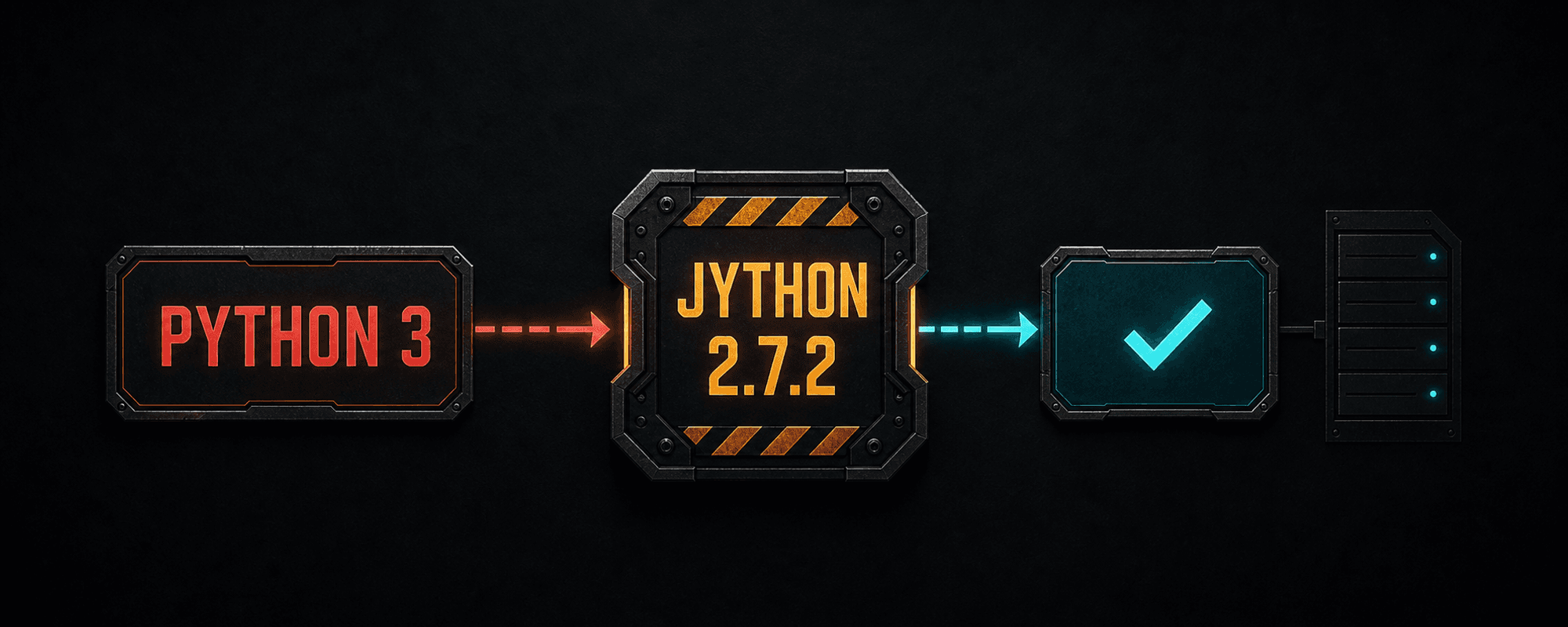
Key takeaways
- Ignition 8.1.8 introduced Jython 2.7.2, and Ignition 8.1.34 moved to Jython 2.7.3.
- Jython 2.7.2 requires Python 2.7-compatible syntax. F-strings, type annotations, async and await, pathlib, dataclasses, and the walrus operator do not belong in this runtime.
- A passing Script Console test proves Designer-scope behavior, not Gateway, tag-event, Perspective, or Vision behavior.
- Generated scripts must preserve Ignition return types such as QualifiedValue, QualityCode, Dataset, and PyDataset.
- Ordinary NumPy and pandas packages rely on CPython native extensions that Jython cannot load.
- An AI agent needs the exact runtime, target scope, documented system functions, discovered project values, and readback evidence before a script can be trusted.
Related product pages
Check the actual Jython runtime first
If the Ignition Script Console says Jython 2.7.2, a general AI assistant can still return code that looks clean and fails immediately. The usual problem is a wrong assumption about the runtime, script scope, or type returned by an Ignition function.
Ignition 8.1.8 updated its embedded interpreter from Jython 2.7.1 to 2.7.2. Ignition 8.1.34 later moved from 2.7.2 to 2.7.3. An older 8.1 project and a current 8.1 project therefore follow the same Python 2.7 language rules with a different Jython patch level.
The Script Console header displays the Jython version. On newer Ignition 8.1 builds, it also reminds you that the console runs in local Designer scope.
import sys
print sys.versionThe agent writes Python 3 syntax
Jython 2.7.2 follows Python 2.7 language rules. F-strings, type annotations, async and await, the walrus operator, pathlib, dataclasses, and structural pattern matching do not belong in this runtime.
This is the fastest failure to catch because the Script Console reports a syntax error before the script runs.
# Wrong for Jython 2.7.2
message = f"Temperature: {temperature}"

# Compatible with Jython 2.7.2
message = "Temperature: %s" % temperatureThe agent confuses script scope and invents system functions
The Script Console runs in the Designer. It is useful for small tests, Project Library calls, tag reads, data conversion, and syntax checks. A passing console test does not prove that the same code will work in a Gateway timer, tag event, Perspective component event, or Vision client.
Ignition's scripting API is large, and many function names look predictable. That makes invented calls sound believable. Require the agent to identify the official function page, parameter order, return type, and supported scope for every system function it introduces.
Scope changes what exists
- Gateway scripts cannot reach Vision components.
- Tag events run in Gateway scope.
- Perspective scripts execute on the Gateway side of a Perspective session.
- The Script Console cannot interact with components on an open window.
- Some system functions are available only in specific scopes.
A believable name is not documentation
In the Designer, system autocomplete reflects the selected script scope. During review, compare every generated call with the Ignition 8.1 manual instead of accepting a function because its name sounds right.
The agent flattens Ignition objects into ordinary Python values
system.tag.readBlocking() returns a list of QualifiedValue objects. Each object contains a value, quality, and timestamp. Even one tag read still returns a list.
system.tag.writeBlocking() also returns a list, this time containing one QualityCode per path. Generated code that ignores those results can report success after a failed write. Critical changes need a readback in the intended Gateway context.
paths = ["[default]Area/Temperature"]
results = system.tag.readBlocking(paths)
qv = results[0]

if not qv.quality.isGood():
    raise ValueError("Bad tag quality: %s" % qv.quality)

temperature = qv.value
Dataset is not a normal list
Ignition Datasets are Java-backed objects. A PyDataset provides more Python-like row access, but it still has a specific contract. AI-generated code frequently calls list or pandas methods that these objects do not provide.
- Confirm whether the input is a Dataset or PyDataset.
- Convert deliberately with system.dataset.toPyDataSet() when row iteration is useful.
- Match the exact shape expected by the receiving component, query, or script.
The agent assumes CPython packages are available
Ignition runs Jython on the Java Virtual Machine. Jython does not load ordinary CPython C extensions, so packages such as NumPy and pandas are not portable Ignition dependencies. A desktop Python installation on the same computer does not make those packages available inside the Gateway.
Prefer Ignition system functions, deliberately installed Python 2.7-compatible pure-Python code, or Java libraries available to the Gateway. If a workflow truly needs modern CPython, place it behind an approved external service or process boundary and treat that integration as its own security and deployment decision.
Give the AI agent a bounded scripting request
A precise prompt catches a large share of first-pass mistakes. The finished script still needs engineering review and evidence from its actual execution scope.
Write this script for Ignition 8.1 <exact version>, Jython <exact version>, in <Designer, Gateway, tag event, Perspective, or Vision scope>. Use documented Ignition system.* functions and Python 2.7-compatible syntax only. Do not use CPython native-extension packages. State the inputs, return types, side effects, and validation steps. Mark any unknown tag path, project resource, module, function, or scope assumption instead of inventing it. Test syntax in the Script Console where appropriate, then verify behavior in the actual target scope on a Gateway approved for development or testing.Why we turned the lessons into an Ignition Jython skill
We built a repeatable evaluation loop around these failures. The agent drafted Jython, ran bounded tests, compared the output with actual Ignition behavior, recorded the failure, and promoted reusable lessons into a versioned skill document.
The skill carries the details a short prompt often drops: Python 2.7 syntax, execution-scope boundaries, documented system functions, Ignition and Java types, dry-run paths, logging, readback, and validation.
In our internal workflow, this has removed nearly all of the recurring syntax and scope hallucinations we were seeing when the desired behavior is clearly defined. That is an internal observation, not a universal benchmark. Every script still needs engineering review and target-scope evidence.
- 01Confirm the exact Ignition and Jython versions.
- 02Name the execution scope and triggering event.
- 03Remove Python 3 syntax and CPython-only dependencies.
- 04Verify every system function against the 8.1 documentation and target scope.
- 05Handle QualifiedValue, QualityCode, Dataset, Java, date, and text types explicitly.
- 06Replace guessed projects, providers, paths, and connections with discovered values.
- 07Run the script in its real target scope on an approved development or test Gateway.
- 08Check logs, returned quality, and readback before calling the result successful.
Article FAQ
Frequently asked questions
Does Ignition 8.1 use Jython 2.7.2?
Ignition 8.1.8 updated Jython from 2.7.1 to 2.7.2. Ignition 8.1.34 later updated it to 2.7.3. Confirm your exact runtime in the Script Console or with sys.version.
Why does my Ignition Script Console show Jython 2.7.2?
Your Ignition build likely falls between 8.1.8 and 8.1.33. The version displayed by the console is the interpreter your Designer is using, so include it when asking an AI agent to write compatible code.
Can Jython 2.7.2 use Python 3 f-strings?
No. Use percent formatting or another Python 2.7-compatible pattern.
Does a passing Script Console test prove a Gateway script works?
No. The Script Console runs in Designer scope. Test the finished script in its intended Gateway, Perspective, Vision, tag-event, or Project Library context.
Can Jython 2.7.2 import NumPy or pandas?
Ordinary NumPy and pandas distributions rely on CPython native extensions that Jython cannot load. Use Ignition APIs, compatible pure-Python code, Java libraries, or an approved external CPython boundary.
Can an AI agent write reliable Ignition Jython?
It can produce strong first drafts when it receives the exact runtime, execution scope, real project context, documented APIs, and a validation plan. Human review and target-scope testing remain required.
Sources and notes
Documentation referenced
- Inductive Automation: New in Ignition 8.1
- Inductive Automation: Script Console
- Inductive Automation: Scripting in Ignition
- Inductive Automation: Python libraries in Ignition
- Inductive Automation: system.tag.readBlocking
- Inductive Automation: system.tag.writeBlocking
- Inductive Automation: Datasets and PyDatasets
- Jython project: implementation differences and C extensions
Lifetime membership
Want the toolkit behind this workflow?
The one-time Ignition AI Toolkit membership includes the Web Dev API runner, skill files, setup docs, versioned downloads, and released Ignition 8.3 resources for lifetime members. Founder pricing is available while the first 50 spots last.
Founder lifetime access - $99