Make important Perspective clicks easier to prove later.
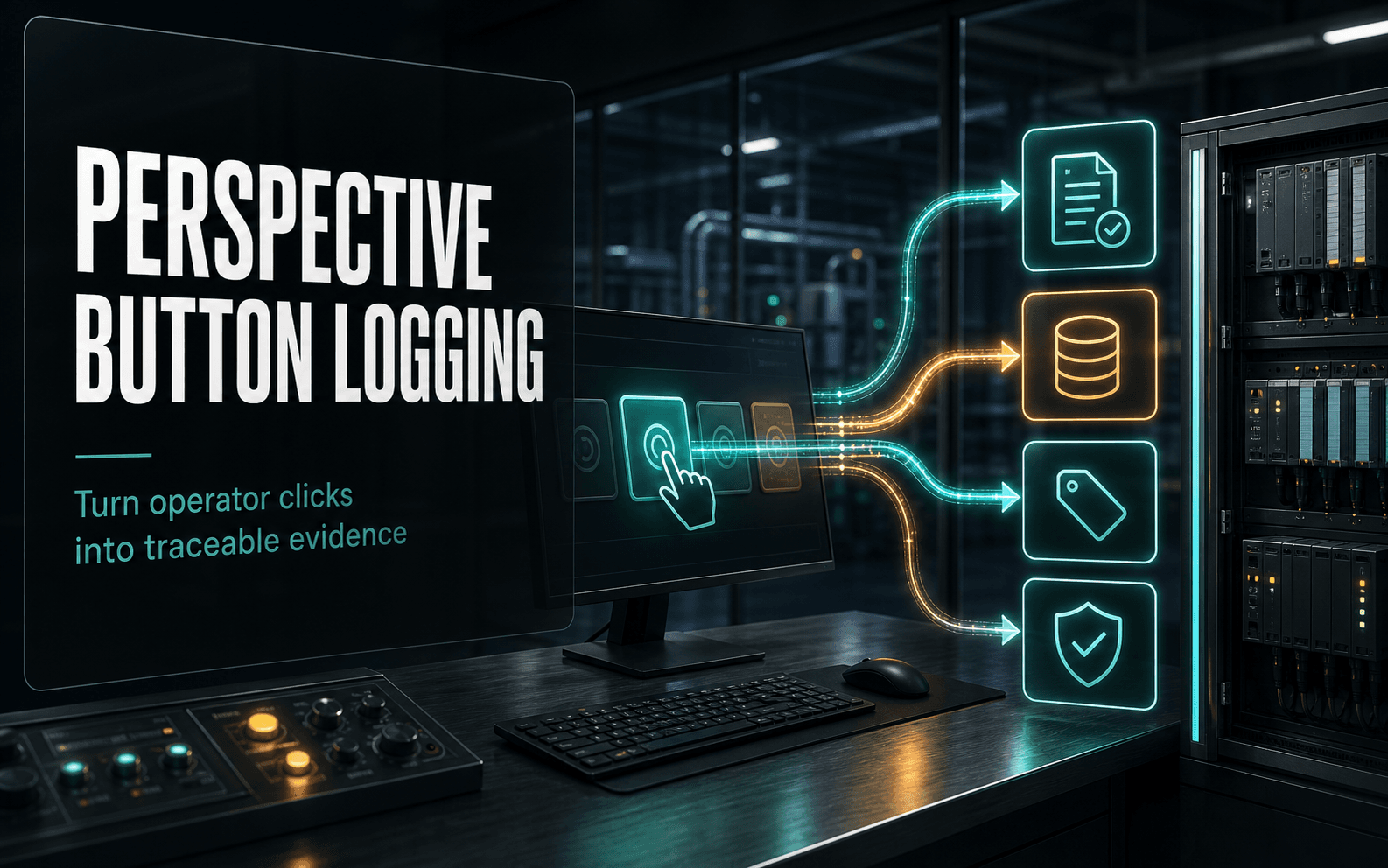
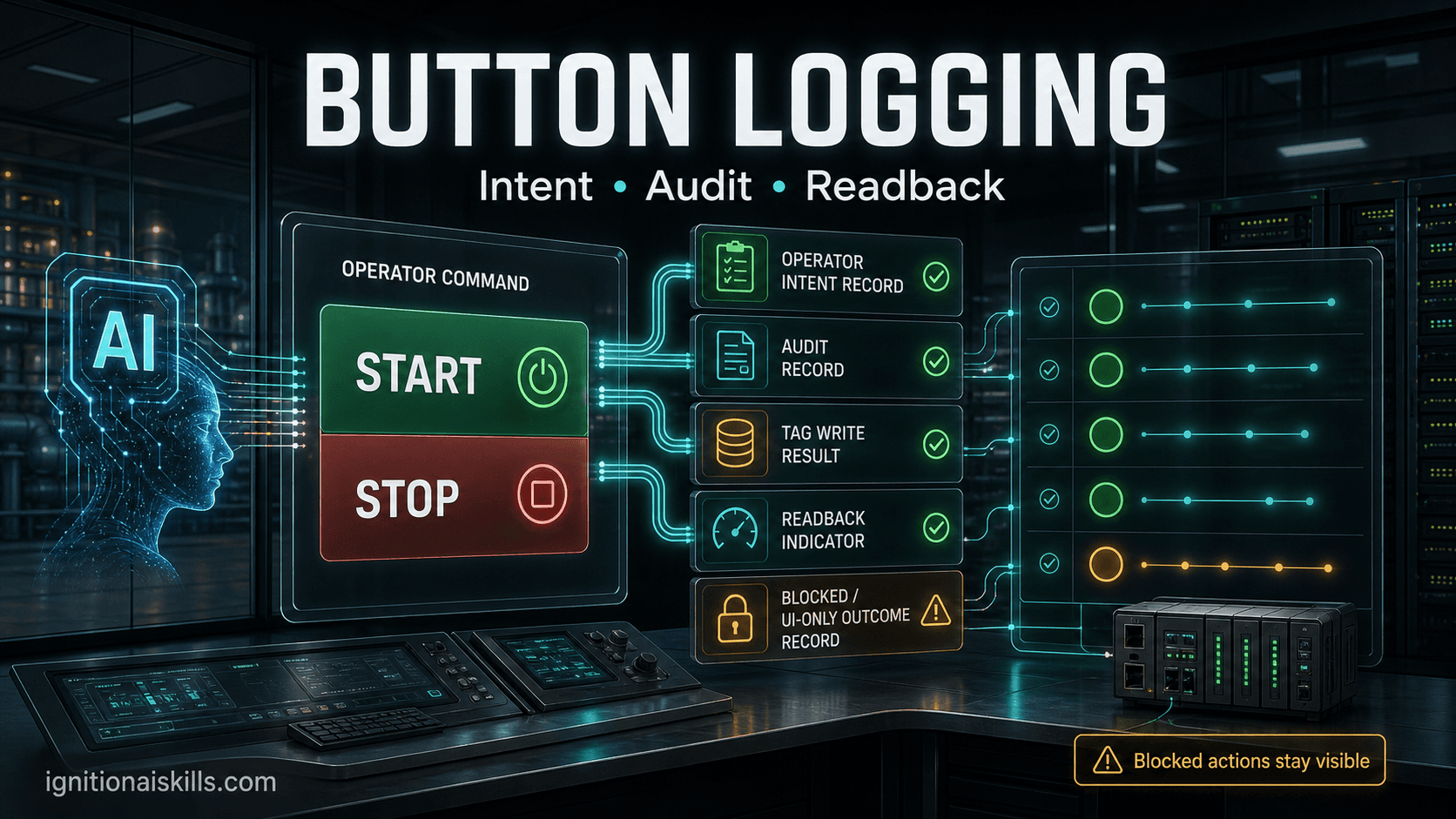
A Start button should leave a trail: who clicked it, what the screen thought was allowed, what the helper checked, what write result came back, and what the operator saw afterward. This skill turns that pattern into reusable Ignition 8.1 guidance instead of another one-off click script.
Why it was made
- Keeps the Perspective event thin and sends context into a shared Project Library helper.
- Logs intent, result, user/session/page context, and blocked-command reasons.
- Rereads interlocks in the helper instead of trusting a disabled button as the only guard.
- Separates native audit, explicit audit records, logger messages, SQL rows, and tag readbacks.
Common use cases
- Start, stop, acknowledge, reset, mode-select, and one-shot command buttons.
- UI-only actions that still matter later, such as popups, navigation, and blocked commands.
- Operator actions that need audit, SQL, tag, logger, and browser evidence.
- Troubleshooting the classic customer report: "I clicked it and nothing happened."
Proof style
Validate the artifact, not the promise.
The skill treats pageValidate as structural only. Important buttons still need browser-click proof, focused log/audit/query readbacks, and tag state verification on the target Gateway.
Evidence
Button logging workflow proof
The graphic is AI-generated for the site. The checks below come from sanitized Button Logging test runs that packaged Perspective button pages, clicked them in a browser, read back action records, queried audit/log evidence, and verified tag state. This is workflow evidence, not a claim that a button alone makes equipment safe.
- A browser test clicked Start, Stop, and UI-only buttons and produced three action rows with correlation IDs.
- Named Query logging returned an affected-row result, and the page read back the latest action state.
- Native audit sampling found tag-write rows and manual audit rows, while UI-only actions needed explicit action logging.
- A non-button event test covered Button, Checkbox, Dropdown, Multi-State Button, and One-Shot Button action logging.
- Focused logQuery and auditQuery checks were used instead of broad, unbounded evidence scans.
Example prompt
Instrument a Perspective Start button so it logs intent, checks interlocks in a helper, writes the command with readback, and records blocked-command reasons.This is the kind of focused instruction the skill is designed to make useful. The value is in the checks and Ignition-specific defaults the AI uses after reading the skill.
Expected output
- Uses onActionPerformed only to collect context and call a helper.
- Creates a correlation ID and records audit/logger/action-log rows for intent and result.
- Uses writeBlocking quality plus tag readback before calling the command proven.
Related workflows
Skills that pair with this one
Ignition Web Dev API builder
Ignition 8.1Web Dev API Builder
Let the AI inspect, apply, and validate on a Gateway.
Ignition Jython script builder
Ignition 8.1Jython Script Builder
Keep AI scripts inside Ignition's Jython reality.
Ignition Named Query builder
Ignition 8.1Named Query Builder
Preview bounded SQL before it drives a dashboard.
Lifetime membership
Want access to this skill?
The one-time membership unlocks this skill, the full Ignition AI Toolkit, the Web Dev runner materials, setup docs, and versioned Ignition 8.1 and 8.3 downloads.
No subscription. Lifetime members keep portal access to the current toolkit and future skill releases, including planned Ignition 8.3-focused skills as they are added.